
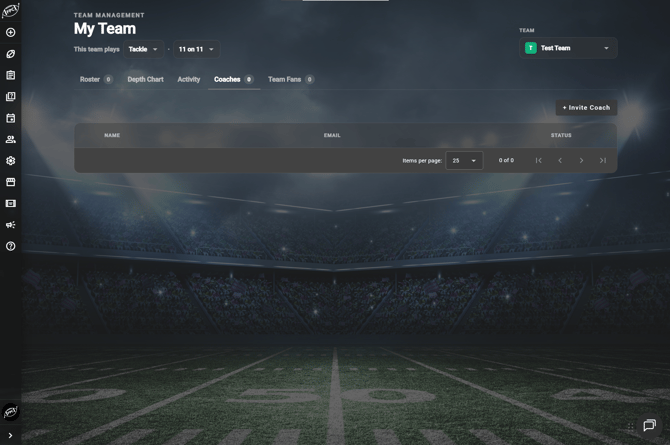
The Coaches tab in My Team is where you invite other coaches to work on your playbook with you. Coaches are separate from players and use a coach license on your subscription.
How do I invite a coach?
- Select My Team, then the Coaches tab.
- Use the invite option on the Coaches tab.
- Enter the coach's name and email address.
- Send the invite.
Frequently Asked Questions
What can a coach do that a player cannot?
-
Coaches can work on plays in the playbooks you share with them. Players can view, animate, and print plays, but cannot create or edit them.
How many coaches can I add?
-
Additional coaches can be added on any subscription plan level. State Champion plans and above include one additional coach invite. To add more, manage your coach licenses under Profile > Subscriptions and increase the quantity on your subscription. Each additional subscription you add includes two more invites. Team subscription plans include unlimited coach and player invites.
How do I add a player instead?